Send the script from the visit
Electronic prescribing runs through DoseSpot, embedded in the patient's chart. Write a new prescription, renew, or handle a change request, and DoseSpot routes it to the pharmacy, without a second system or a re-typed medication list.
- Full e-prescribing through DoseSpot, in the chart
- New prescriptions, renewals, and change requests
- Controlled substances (EPCS) where your providers are enrolled
- Routed to the pharmacy by DoseSpot
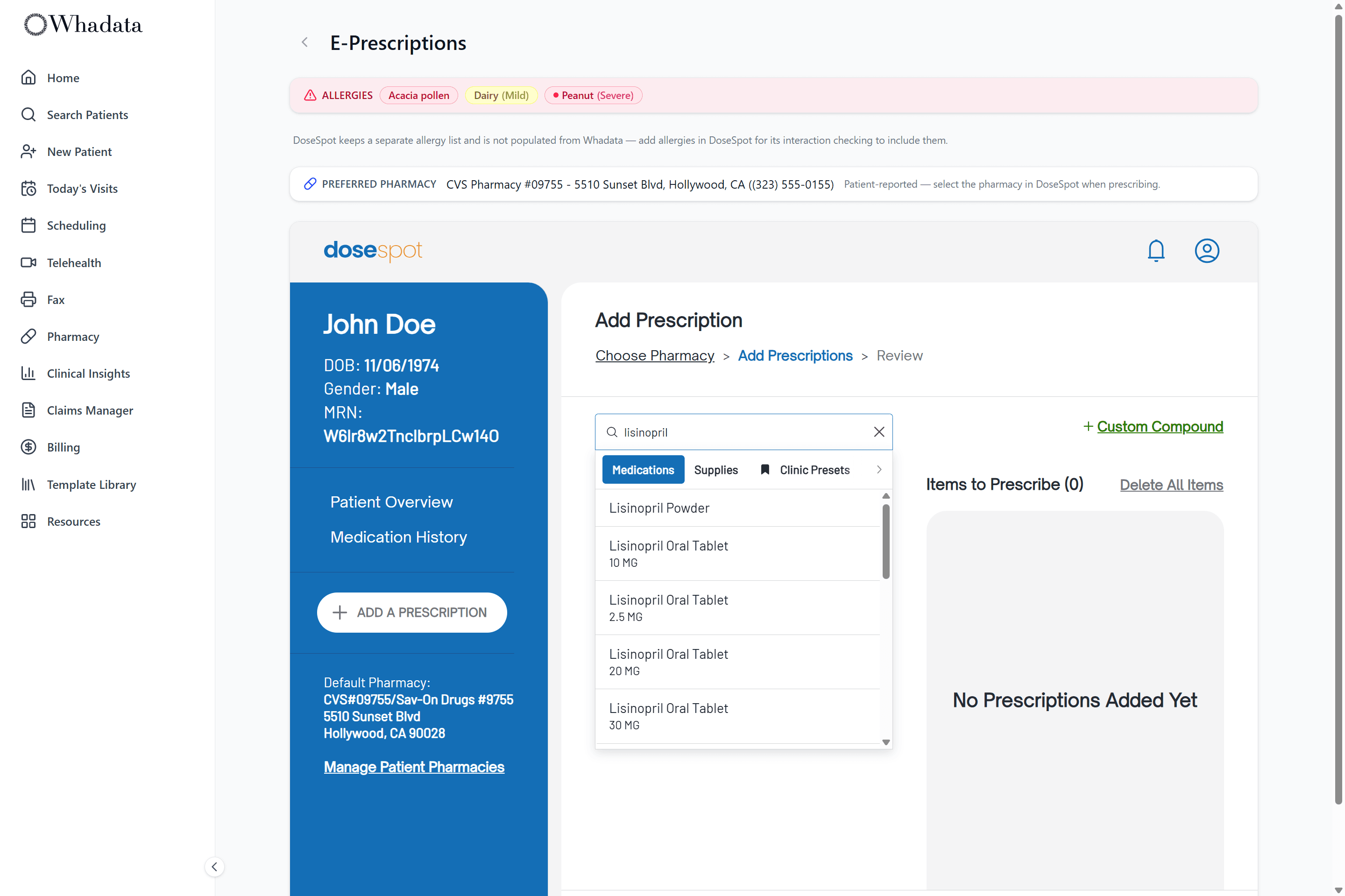
The allergy list is right there
An allergy banner sits in the header wherever you prescribe, so you see it before you write. Reactions are severity-coded, a green NKDA chip says no known drug allergies out loud, and an explicit 'not recorded' state means silence never reads as safe.
- Always-visible allergy banner at the point of prescribing
- Severity-coded chips for each reaction
- Explicit NKDA chip when there are no known drug allergies
- "Not recorded" state when no allergy history exists
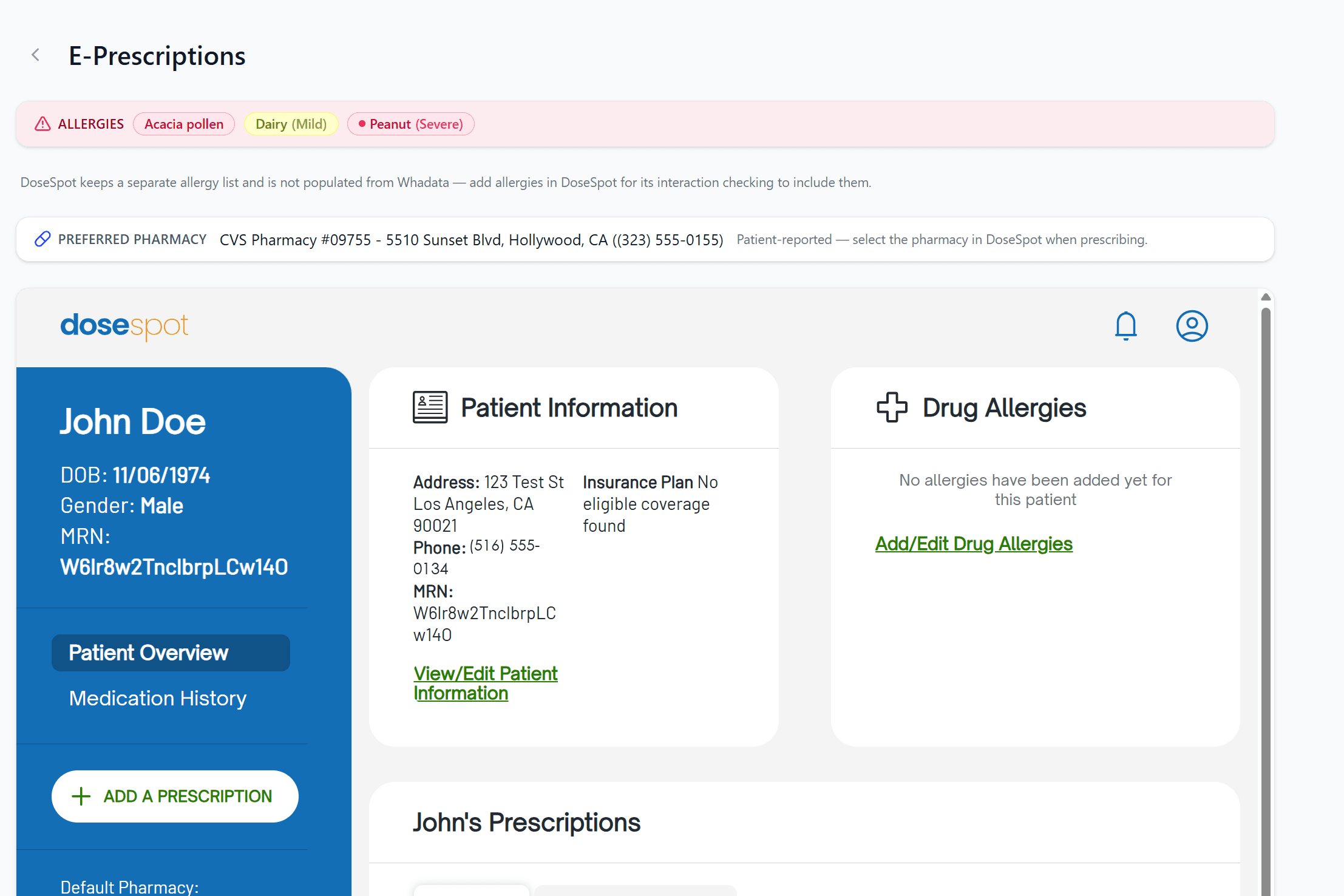
Their pharmacy, already on file
The patient's preferred pharmacy is pulled from their profile, or from the latest intake if the profile is blank, and shown right on the prescribing page, so you are not asking every visit which pharmacy and where.
- Preferred pharmacy surfaced from the profile
- Falls back to the latest submitted intake
- Collected once at portal intake, reused every visit
- Shown on the prescribing page for reference
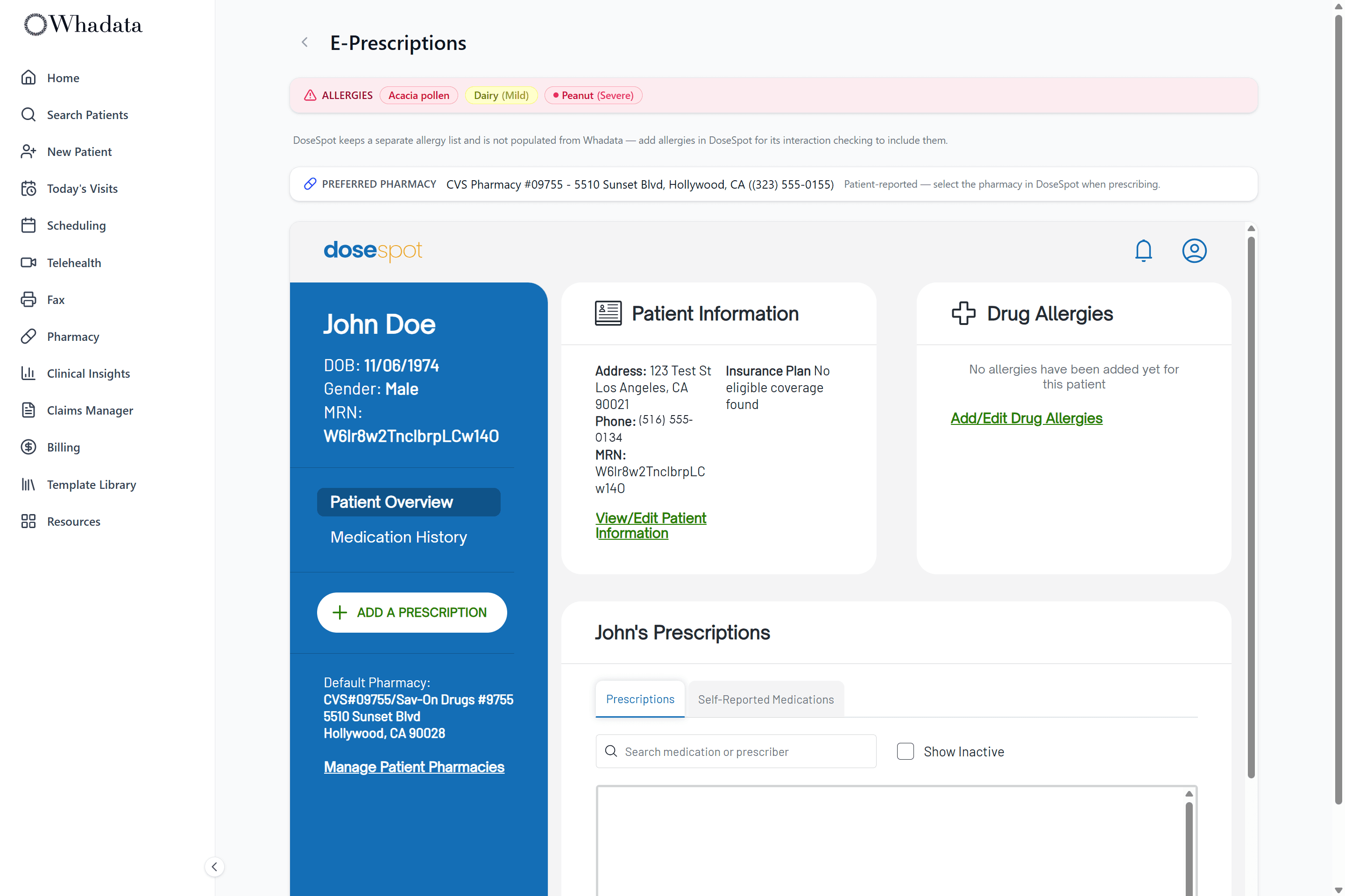
One chart, script included
Prescribe from the visit, with the allergy list in view and the pharmacy already known.